Wristband → Profile
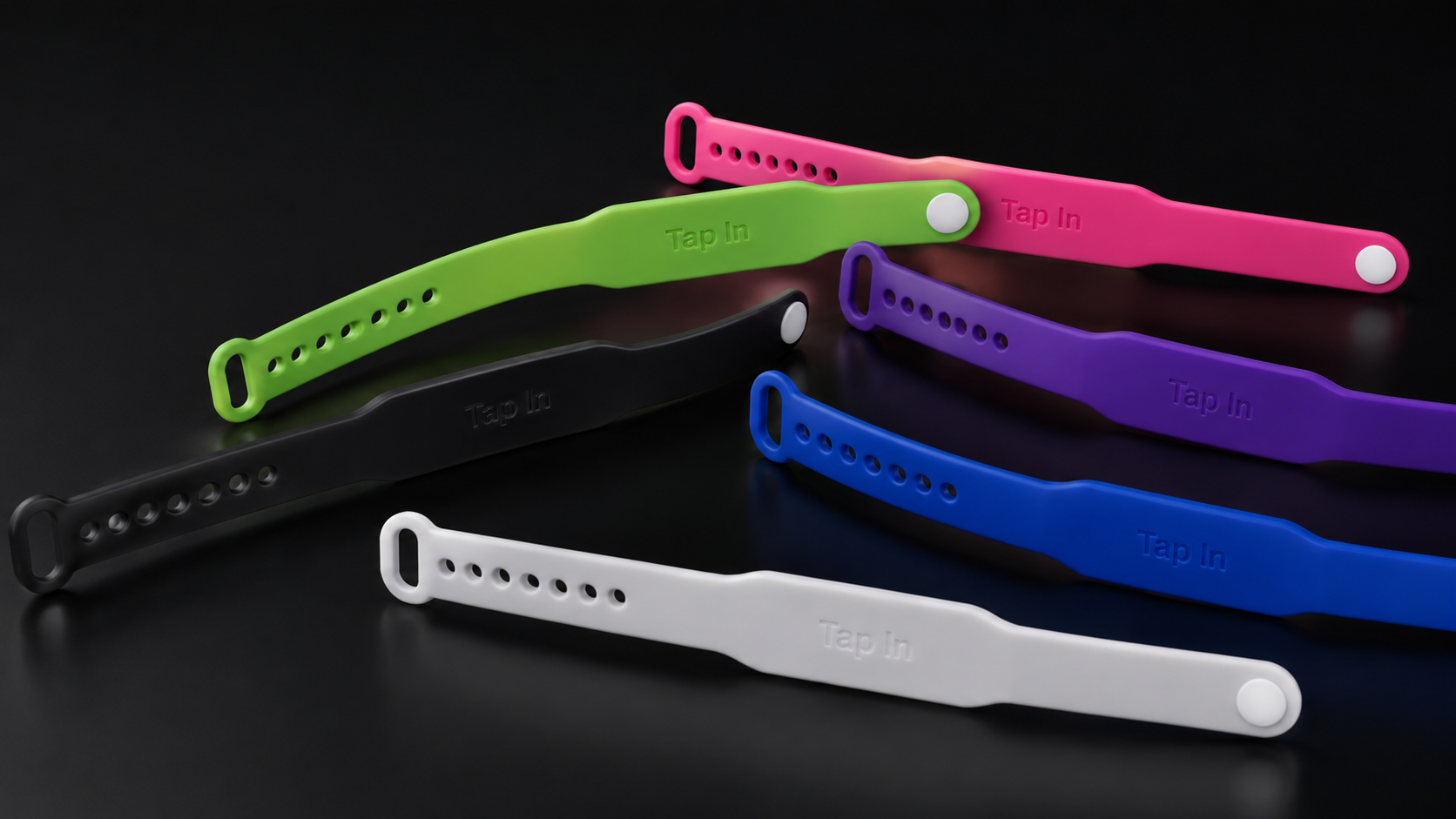
A wearable TAP-IN device for introductions, events, sales, and everyday networking. It opens your assigned digital business card.
Best purchase: subscription + wristbandChoose WristbandTHE PULSE OF NETWORKING
TAP-IN opens your digital business card when someone taps your wristband, ring, or sticker with a compatible phone. Share the right contact details, links, and next actions—without handing over a paper card.
SEE IT WORK
The device opens the destination you control. The person viewing it chooses what to do next.
WHAT EACH PRODUCT DOES
A wearable TAP-IN device for introductions, events, sales, and everyday networking. It opens your assigned digital business card.
Best purchase: subscription + wristbandChoose WristbandUpload your logo or artwork and choose exactly what every sticker should open: your website, TAP-IN profile, estimate form, booking page, payment page, menu, social page, or another HTTPS destination.
50, 100, 250, 500 or 1,000 · one-time purchase · no subscriptionOrder Custom StickersChoose a Standard or Premium ring. Each has its own permanent Device ID, private activation code, and account assignment. Select a ring size at checkout.
Physical ring + TAP-IN profile subscription · sizes 6–13Choose NFC RingUse several devices without maintaining several copies of your information. Every physical device retains its own ID and status.
Edit the profile once; connected devices use the update.Compare PlansManage three or more employee profiles, device assignments, branding, and access through one Business account.
Employees receive Pro profile features.Start Business AccountUpdate contact information, links, and profile content without replacing or rewriting the physical device.
The permanent TAP-IN device URL remains in place.Manage a ProfileCUSTOM NFC STICKERS
Choose your quantity, upload the image you want printed, and tell TAP-IN exactly what the NFC should open. We program and test the order before delivery.
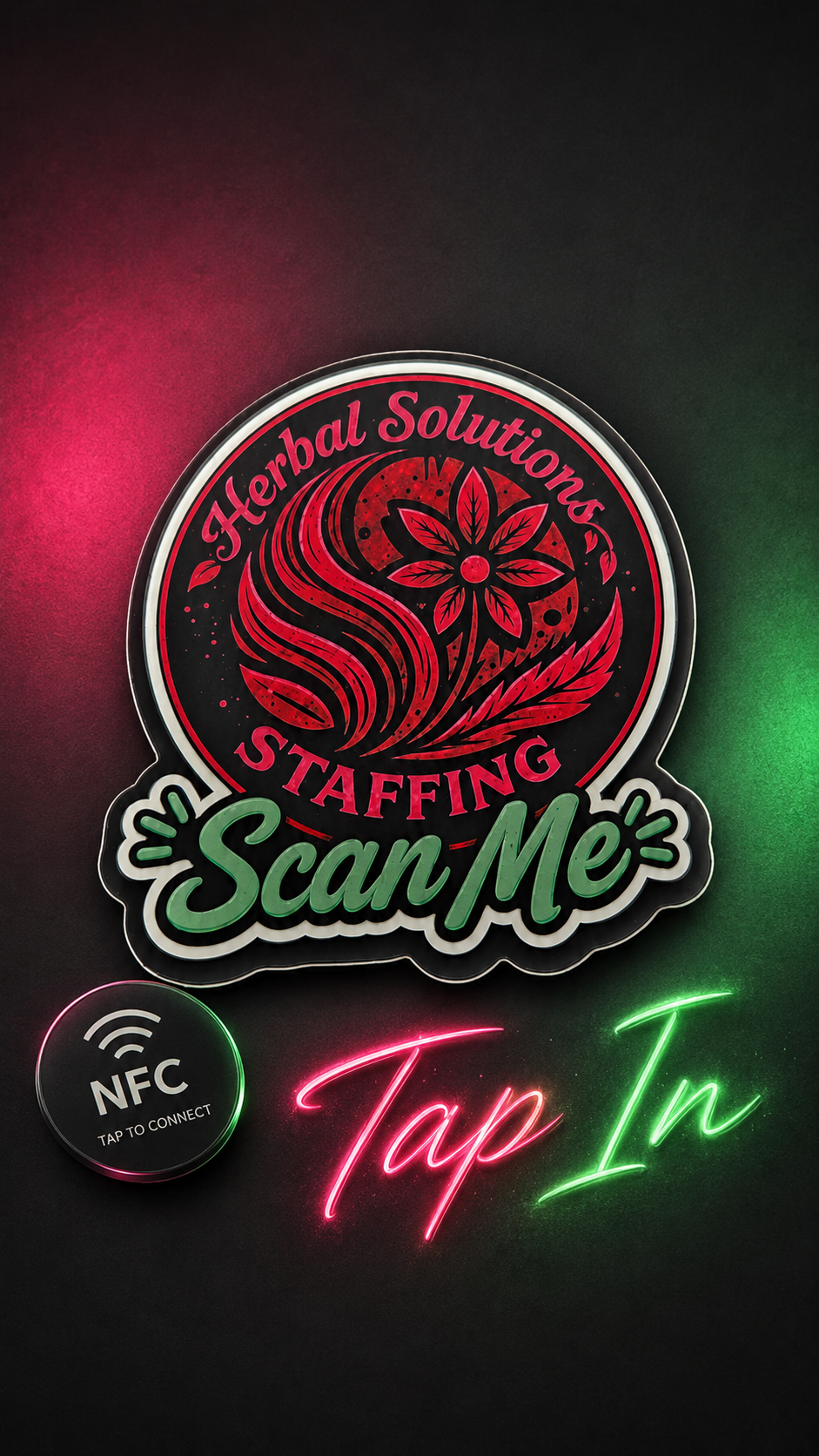 Herbal Solutions StaffingLive example · tap/click opens HerbalSolutionsStaffing.com
ORDER YOURS
INTERACTIVE EXAMPLES
These fictional profiles demonstrate common actions. They are examples—not customer accounts.
Founder · Brooks & Co.
Building useful ideas and stronger business relationships.
Choose an action to preview the profile experience.
WEARABLE DEVICES OR CUSTOM NFC STICKERS
HOW TAP-IN WORKS
THE PERMANENT CONNECTION
Before activation, the resolver opens the activation page. After activation, it opens the assigned profile or approved destination. Editing a profile does not require rewriting the physical device.
tapin.business/t/YOUR-IDDEVICE ACTIVATION
Tap or scan the device
Enter Device ID and activation code
Create an account or sign in
Register the device
Open the basic TAP-IN profile
Customize your profile
Publish the profile
Tap again to verify it live
PLANS + DEVICES
Choose monthly or yearly profile access, then add the devices you want. Yearly prices shown below save 17% compared with twelve monthly payments.
BASIC · 1 ACTIVE PROFILE · 1 LINKED BAND
PRO
BUSINESS · 3 PROFILES · 3-BAND PURCHASE REQUIRED
CONTROL WITHOUT REPLACEMENT
Update your profile, connect several devices, disable one device without affecting the others, and keep a permanent history of each device. Orders, invoices, activation, and profile publication remain separate and visible.
QUESTIONS, ANSWERED
TAP-IN is a subscription-based digital business card platform. A TAP-IN wristband, ring, or sticker helps open your profile—or an approved online destination—on a compatible phone.
No. The person tapping opens the destination in a web browser. An internet connection is required.
Most modern NFC-enabled smartphones can read a TAP-IN device. The phone must be unlocked, NFC must be available, and the reader position varies by model.
A wristband or ring opens its assigned TAP-IN profile. A programmed NFC sticker opens the exact website, profile, form, booking page, payment page, menu, or social destination selected for that order.
Yes. Update your TAP-IN profile while your subscription is active. The linked physical device does not need to be rewritten.
No. The permanent device URL stays the same while the profile information behind it changes.
Yes. Multiple devices can link to one profile, and each device keeps its own identity and status.
Yes. A Business account starts with three managed profiles and can add more. Authorized administrators manage profiles and linked devices.
A wristband or NFC ring uses a digital business card subscription and is built for in-person networking. A custom NFC sticker can stay on a counter, sign, vehicle, product, or display and opens the online destination programmed for it for one flat fee.
No. Subscription access and physical devices are priced separately. Business requires an initial purchase of three wristbands.
Wristband and ring customers tap or scan the device, enter its Device ID and private activation code, customize the profile, publish, then tap again to verify it. Custom NFC stickers are programmed by TAP-IN before delivery and require no customer activation code.
Deactivate the old device and connect a replacement without deleting the old device history. Your profile can remain in place.
Yes. A device can be disabled independently without deleting your profile or cancelling another linked device.
Choose monthly or yearly checkout. Current yearly pricing provides about 17% savings compared with twelve monthly payments.
Enter an active coupon at checkout. An eligible discount is subtracted before the final total; it is never added to the subtotal.
TAP-IN saves every order first. QuickBooks creates and emails the actual invoice and provides payment-status sync; if QuickBooks is temporarily unavailable, the saved order remains pending until the QuickBooks invoice can be sent.
The customer workspace limits contact information to name, email, and phone. Operational records cover profiles, devices, activation, subscription, orders, invoices, and recorded activity.
READY TO CONNECT?